
Mobile App Design Study
Reggie Gift Shopping List Manager
A mobile app for creating, organizing, managing, and sharing gift lists and wish lists with family and friends.
Project Highlights
Executive Summary
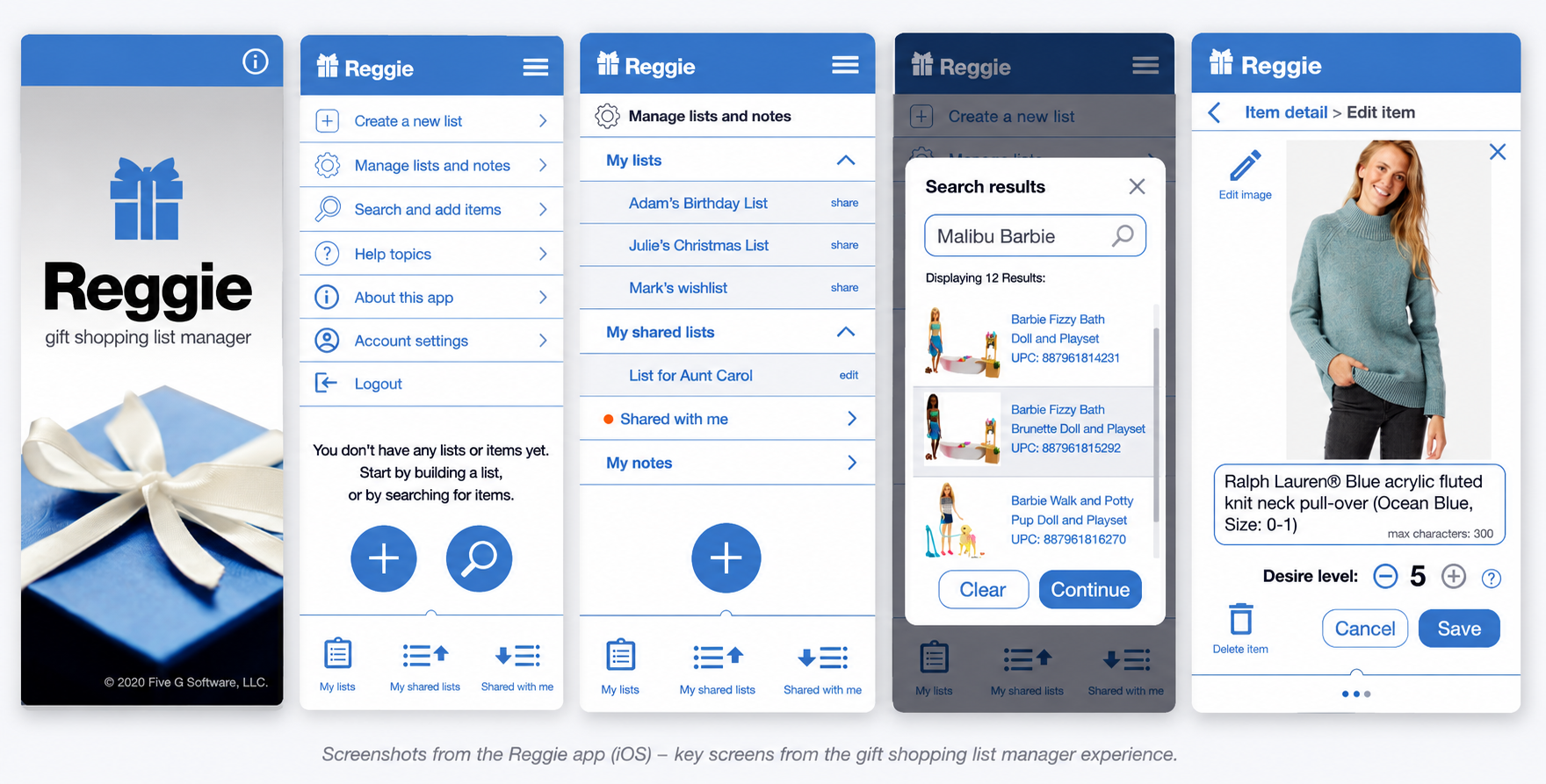
Reggie was designed as a practical mobile utility for managing gift ideas across birthdays, holidays, and shared family occasions. The app helped users create lists, add items, share lists with contacts, track purchase status, and manage the details that often get lost in informal gift planning.
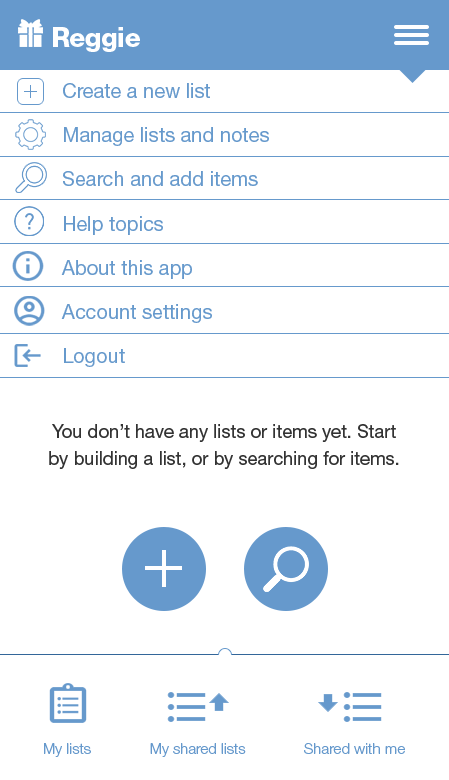
The design emphasized directness: large touch targets, recognizable icons, clear modals, friendly empty states, and a persistent navigation model that kept the most common tasks close at hand.
The screen set also documents a broad range of product states, including account recovery, registration, empty states, list management, shared contacts, search results, item editing, purchase status, help, and app information.
Onboarding & Account Access
Reducing Friction Before the First List
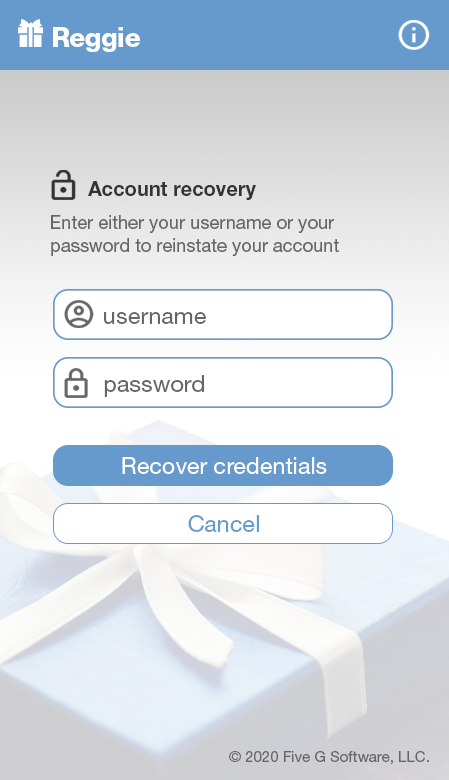
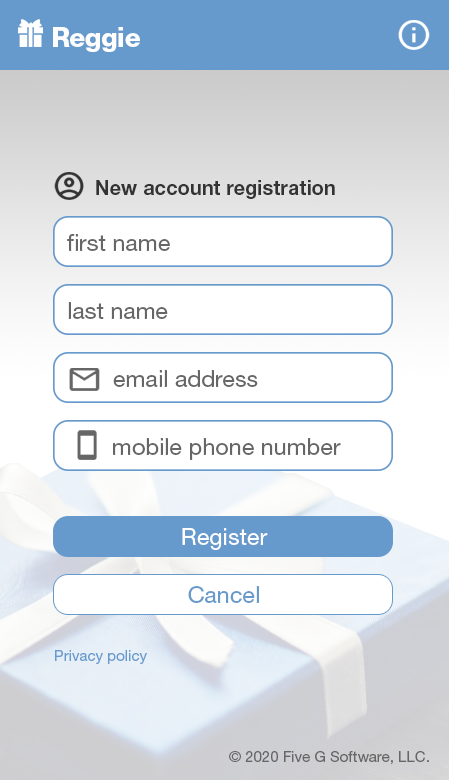
The opening experience introduced the Reggie brand, then supported common account flows including new account registration and account recovery. The visual system used a calm blue palette, familiar gift imagery, and direct form fields to make the utility feel friendly and approachable.
Keep Actions Close
Primary actions such as creating lists and searching for items were always easy to reach.
Use Familiar Patterns
Icons, tabs, list rows, modals, and confirmation dialogs followed patterns users already understood.
Support Sharing
Gift lists become more useful when they can be shared, edited, and coordinated with other people.
Design the Edge Cases
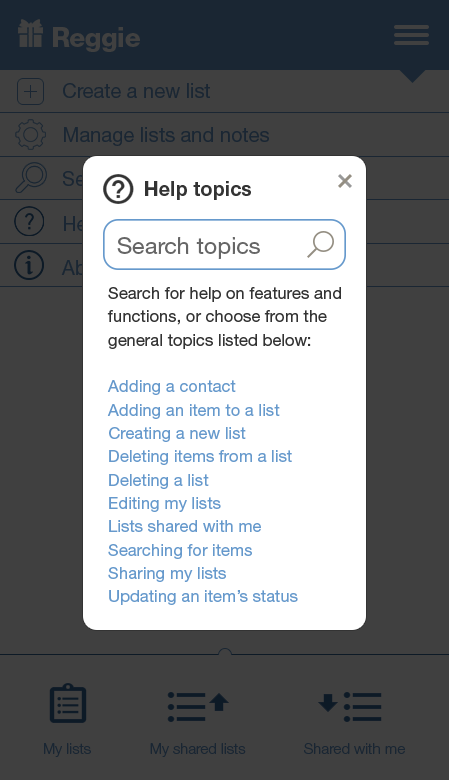
Error states, empty states, delete confirmations, and help topics were treated as part of the core experience.
List Management
Creating, Organizing, and Sorting Lists
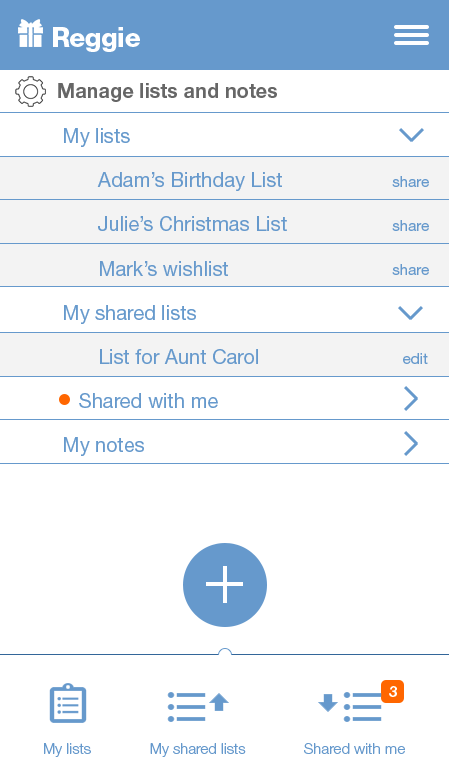
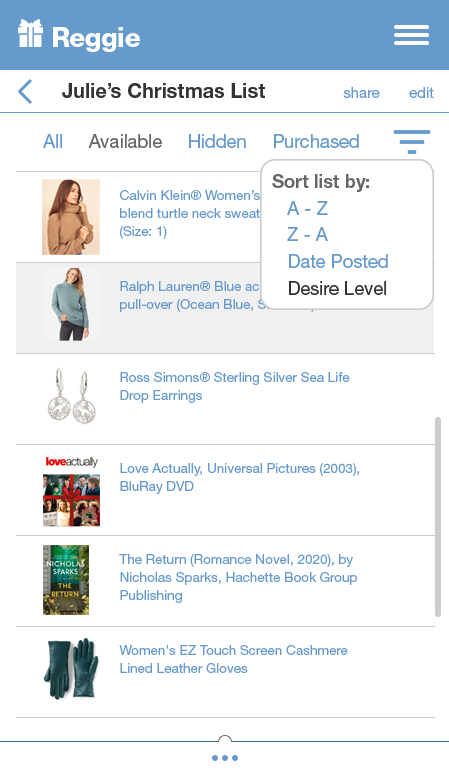
The app's core workflow centered on creating named gift lists, managing personal and shared lists, sorting item collections, and maintaining clear ownership of each list.
Item Workflows
Searching, Saving, Editing, and Tracking Items
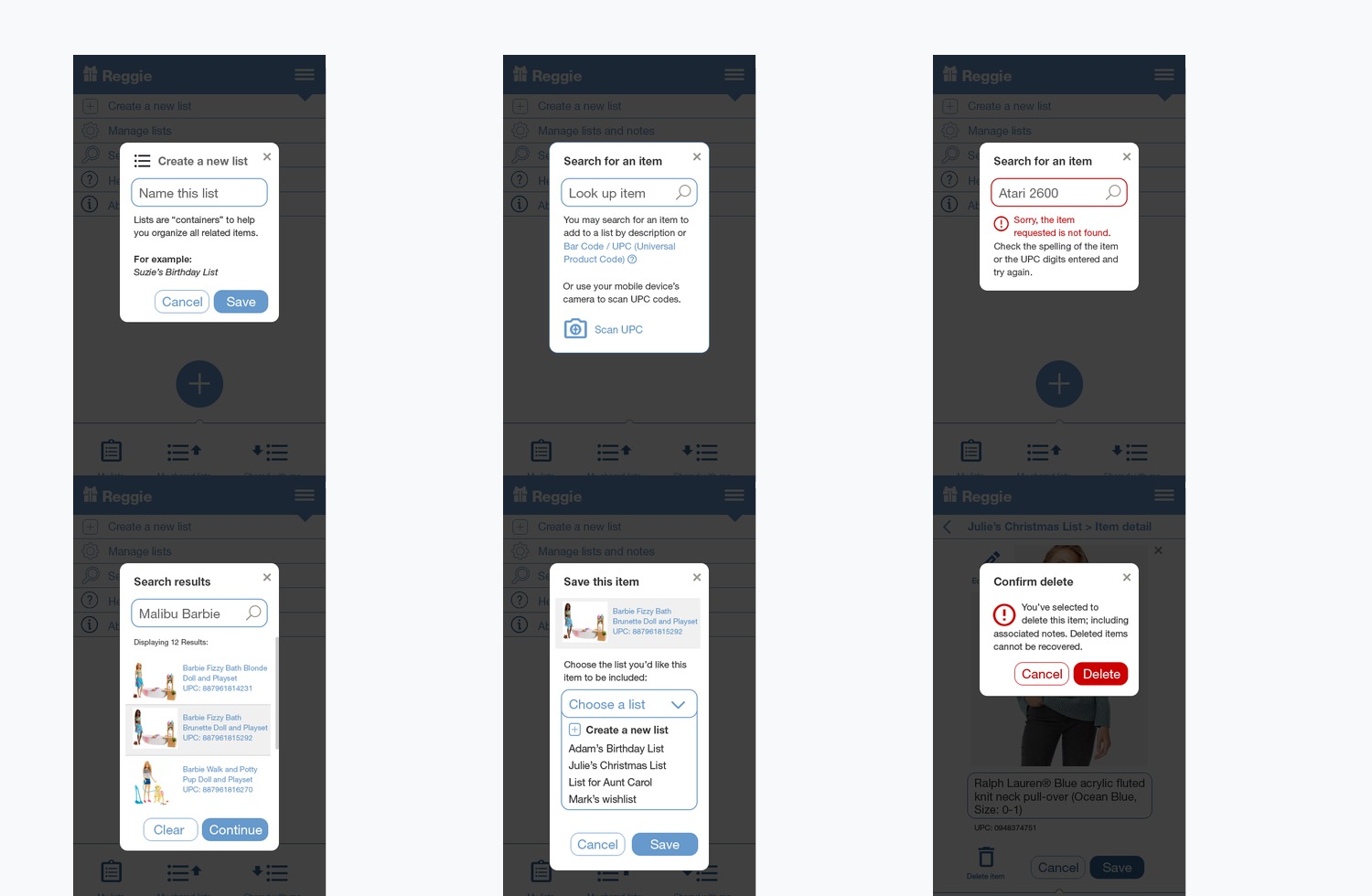
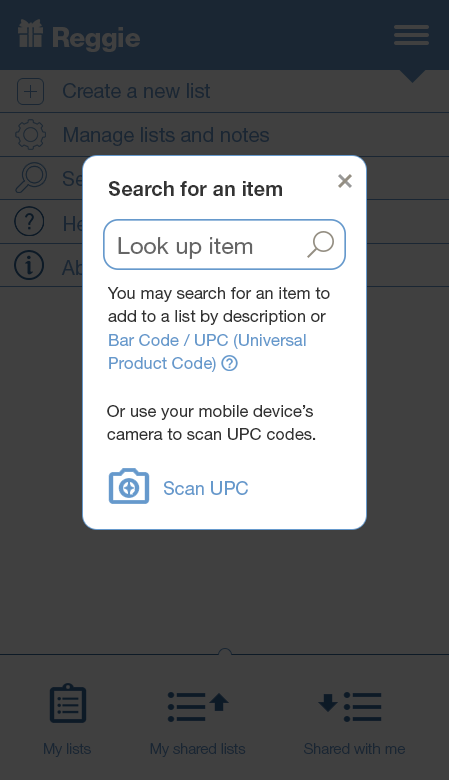
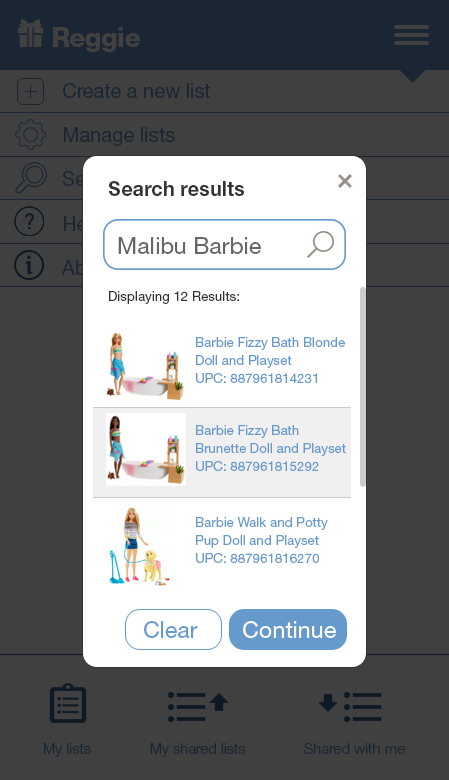
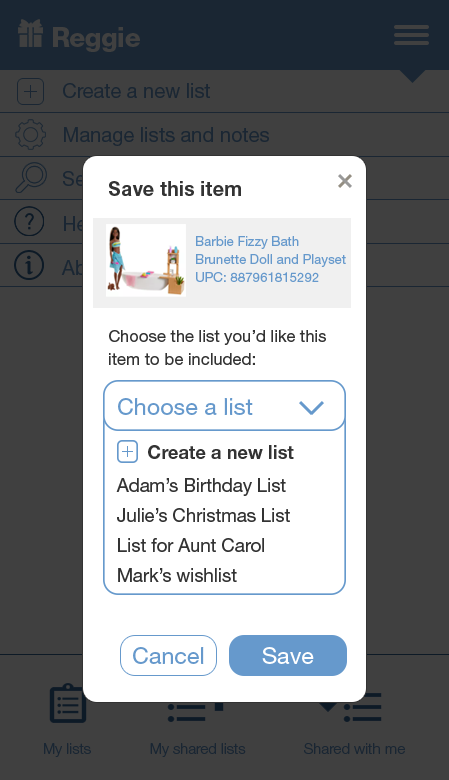
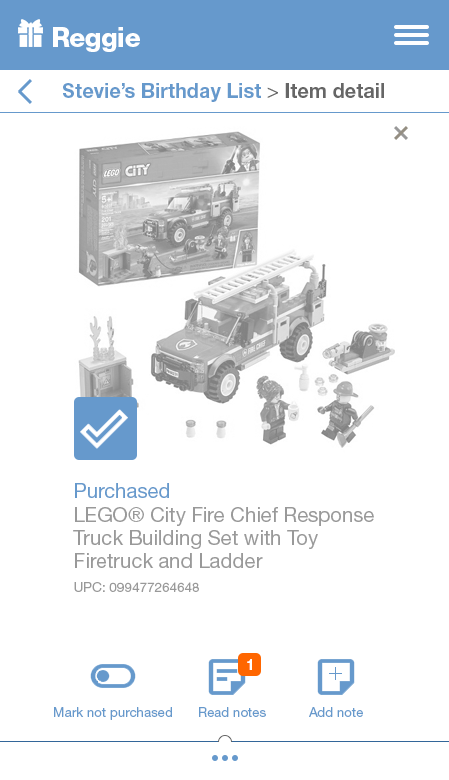
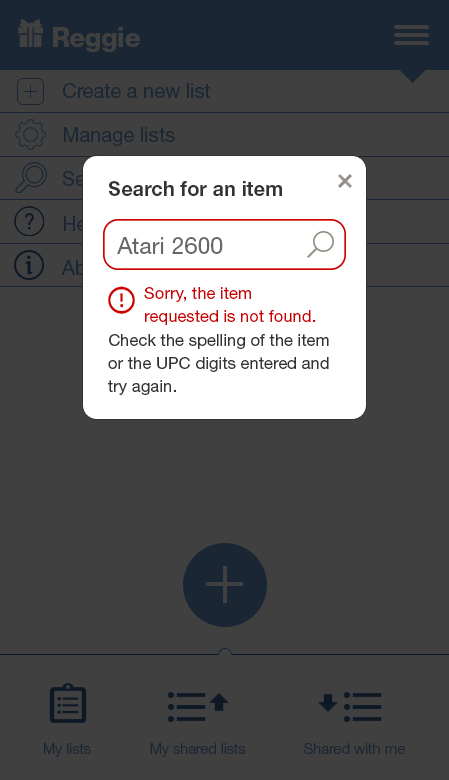
Adding an item required the app to support multiple paths: searching by description, scanning or entering a UPC, handling failed searches, selecting a result, saving to a list, editing details, and later marking an item purchased.
Sharing & Contacts
Designing Around People, Not Just Lists
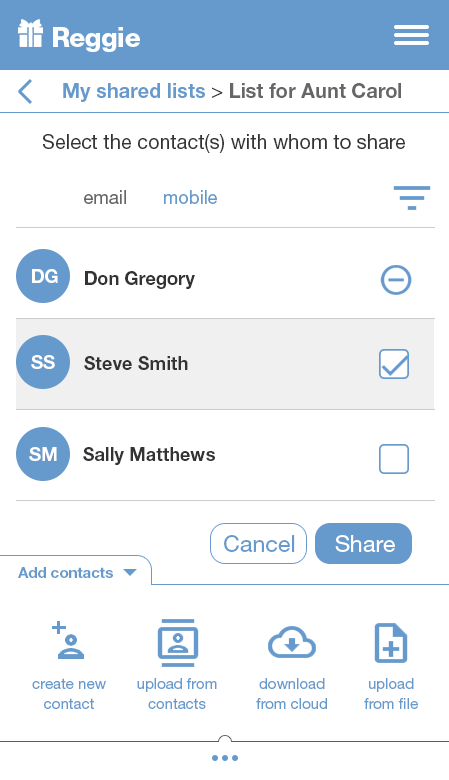
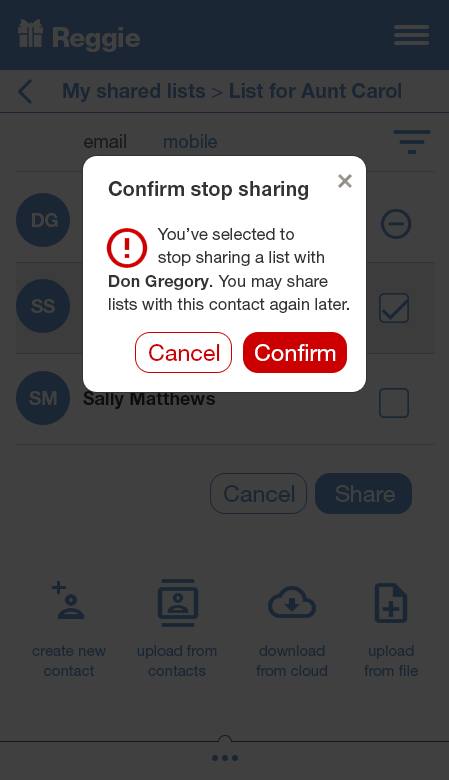
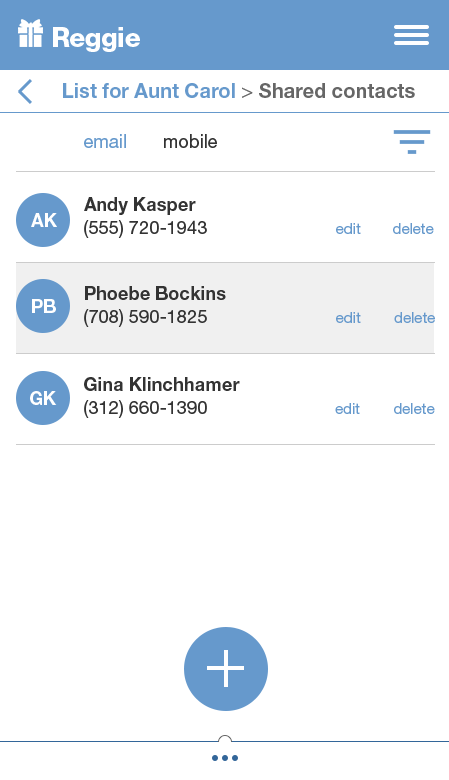
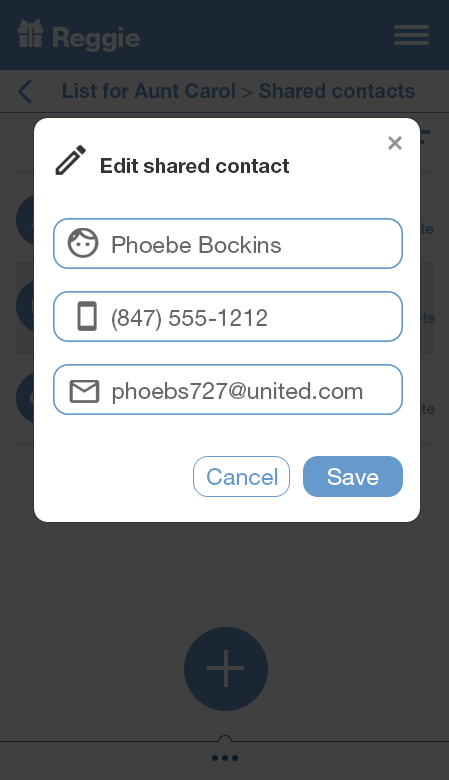
The app treated contacts and shared lists as first-class parts of the experience. Users could choose contacts, manage access, edit shared contact details, and stop sharing with confirmation when needed.
System States
Designing the Moments That Usually Get Ignored
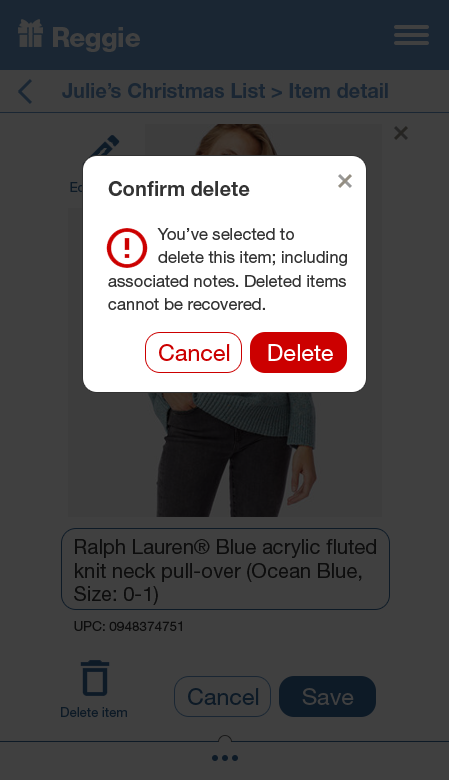
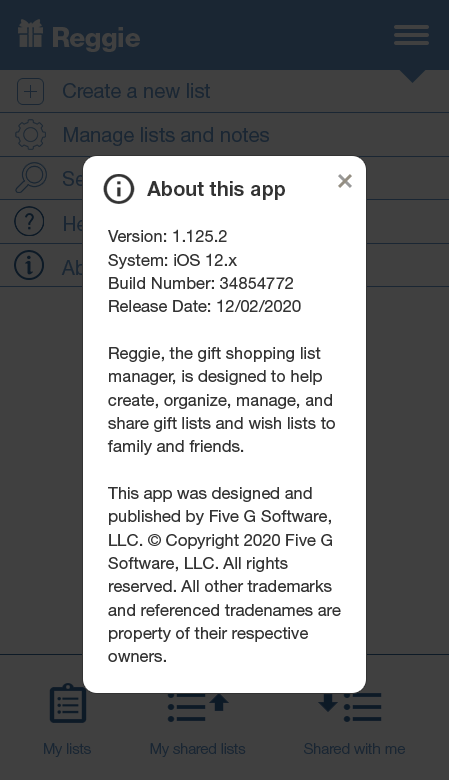
A useful mobile app is shaped by the small moments: error messages, confirmation dialogs, help content, and app information. Reggie used these states to keep users oriented and reduce uncertainty.
Design Decisions That Mattered
- Modal task flows: Common actions like creating a list, searching for an item, saving an item, editing a contact, and confirming deletes stayed focused and contained.
- Persistent navigation: Reggie kept lists, shared lists, and shared-with-me workflows visible through a bottom navigation model.
- Clear status language: Labels such as Available, Hidden, Purchased, and Desire level helped gift-list owners and participants understand item state quickly.
- Recoverable errors: Error states gave users a next step instead of simply reporting failure.
- Human-centered sharing: The contact model recognized that gift lists are social tools, not just personal inventories.
Reflection
Reggie was a compact product, but the UX challenge was surprisingly broad. The app needed to support personal organization, shared coordination, item discovery, purchase tracking, contact management, and system-level states inside a small mobile interface.
Looking back, I would explore stronger onboarding, cloud synchronization visibility, richer list permissions, barcode scanning refinements, more robust product matching, and a more modern visual system. The core idea remains useful: gift planning becomes easier when the app helps people coordinate around lists rather than forcing them to remember everything informally.
Small utility apps succeed when they make repeated, practical tasks feel obvious, fast, and forgiving.
Continue Exploring
Related Design Studies
Reggie sits alongside other product studies focused on practical workflows, discovery, and task-based interfaces.